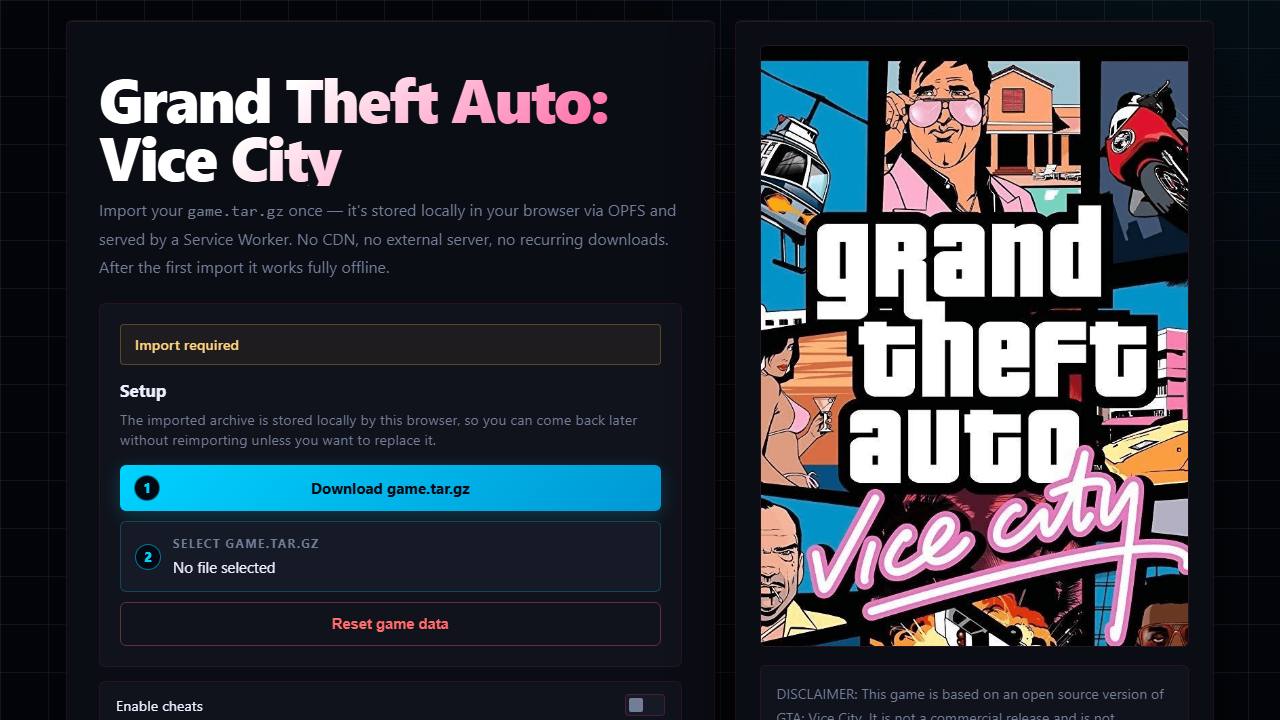
The setup screen expects your own game.tar.gz and stores it in browser-local storage.
What it is
The setup screen expects a game.tar.gz archive built from a copy of Vice City that you own, and it describes storing that data locally in your browser. The project does not ship the original files.
What you need
- A legally owned copy of Vice City that you package yourself
- A desktop browser with enough storage for the imported archive
- The project's own instructions for building the archive
How to open it
- Read the project's page for the exact archive format.
- Prepare game.tar.gz from your own copy.
- Open the source destination and import the archive when prompted.
- Note that clearing site data can remove your imported files.
Before you click
We link to the original destination only and we do not host or provide game files. If the project asks for data, use files from a game you legally own. Never bypass a certificate warning and never install an unfamiliar executable to play a browser game.
Source
Original destination: joncodeofficial.github.io/gta-vice-city-wasm/ (joncodeofficial.github.io). Listed in the original links reply.